Sky Glass IPTV Revealed: The Essential Guide UK Viewers Need to Know
Searching for Sky Glass IPTV can become confusing fast. One page promises an APK, another shares a Downloader code, and another claims you can add thousands of channels to Sky Glass. Many results mix official Sky services with unrelated IPTV offers.
Sky Glass is, whether an IPTV Sky Glass APK works, and how Sky Glass compares with a Fire TV Stick. You will also learn how to check a provider before paying.
What Is Sky Glass IPTV?
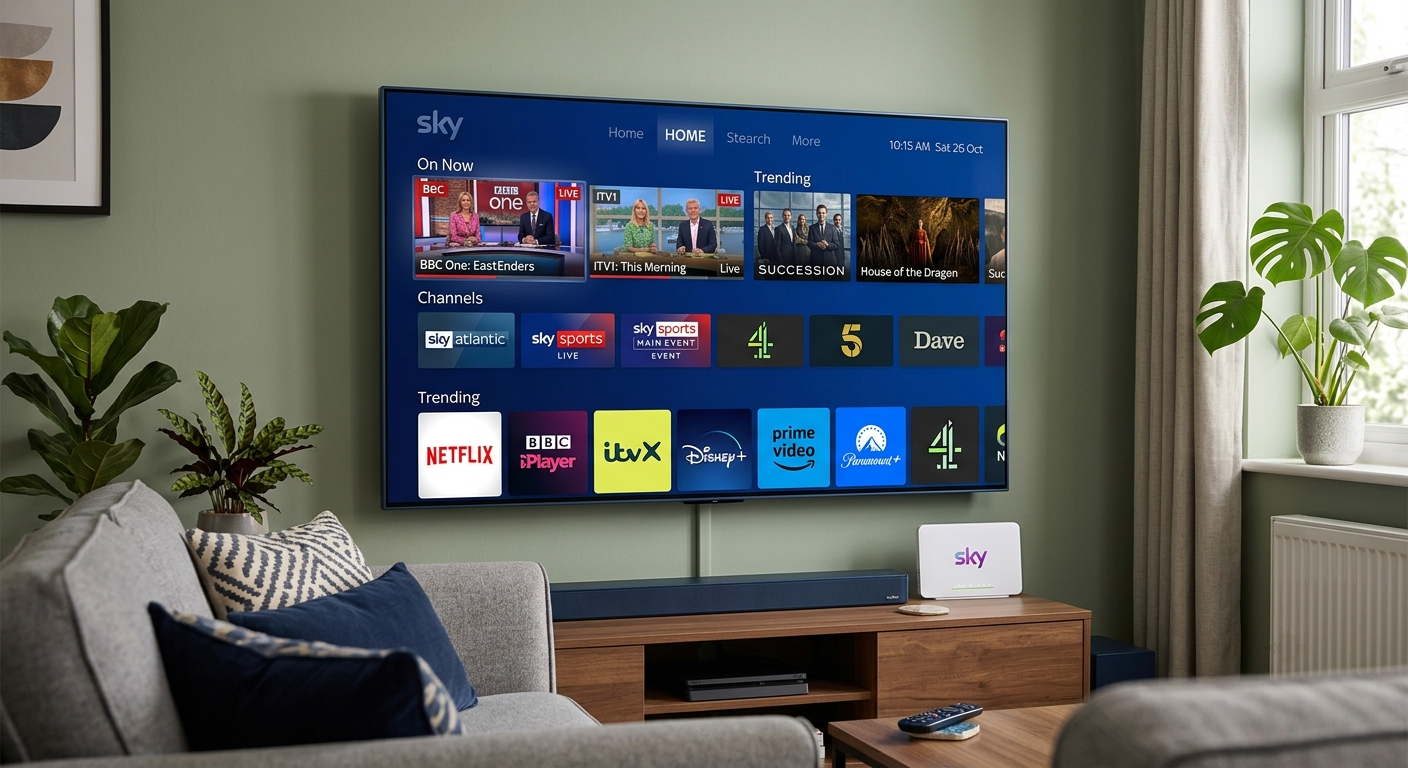
Sky Glass is a smart television with Sky’s service built into the screen. It receives channels and on-demand content over broadband, so it needs no satellite dish or separate Sky box. Sky OS combines voice search, supported apps, live channels and Playlist.
Sky Glass IPTV uses internet delivery, but it is not a generic IPTV player. You cannot paste any M3U playlist or Xtream Codes login into the television. Sky controls its operating system, app catalogue and supported services.
What You Get With Sky Glass
- Channels included in your Sky package
- Supported streaming apps
- Voice search and Playlist
- HDMI ports for external devices
- Broadband viewing without a dish
Sky lists apps such as Netflix, Disney+ and discovery+, although availability can change.
Expert Insight: Sky Glass looks like a normal smart TV, but it works as a controlled platform rather than an open Android device.
Can You Install a Sky Glass IPTV APK?
There is no official Sky Glass IPTV APK for adding third-party services directly to the television. APK files are Android packages, while Sky Glass runs Sky OS.
Sky Glass also lacks the standard “install unknown apps” process found on many Android and Fire TV devices. Sky’s community guidance describes Glass and Stream as closed systems where users access supported apps.
Why “IPTV Sky Glass APK” Pages Appear
A page using sky glass iptv apk or iptv sky glass apk may offer:
- An Android player with “Sky Glass” in its name
- A reseller app made for Fire TV or Android boxes
- An unofficial file using Sky-style branding
Consider a common scenario. A buyer pays for a “Sky Glass package” advertised on social media. The seller sends an APK, but the television cannot install it. The buyer then has to purchase a Fire Stick. The advert was misleading because the app never supported Sky Glass.
Pro Tip: Ask for the exact device, operating system and app-store name before paying. “Works on smart TVs” is too vague.
Sky Glass App, Sky Go and Sky Remote
Many people search for the sky glass app without knowing which official Sky tool they need.
Sky Remote App
The Sky Remote app controls Sky Glass or Sky Stream from a compatible phone or tablet on the same Wi-Fi network. Sky provides it through Google Play and Apple’s App Store.
Sky Go and My Sky
Sky Go lets eligible subscribers watch supported programmes on compatible mobile devices and computers. It comes with a Sky TV subscription, although available content depends on the package. My Sky handles bills, products and account support.
| Option | Main purpose | Runs directly on Sky Glass? |
| Sky Glass interface | Main TV viewing | Built in |
| Sky Remote app | Mobile remote control | No |
| Sky Go | Viewing on supported devices | No |
| Third-party IPTV player | Plays authorised playlists | Usually no |
Expert Insight: Remote control, account management and channel playback are separate jobs. Choose the app by its function.
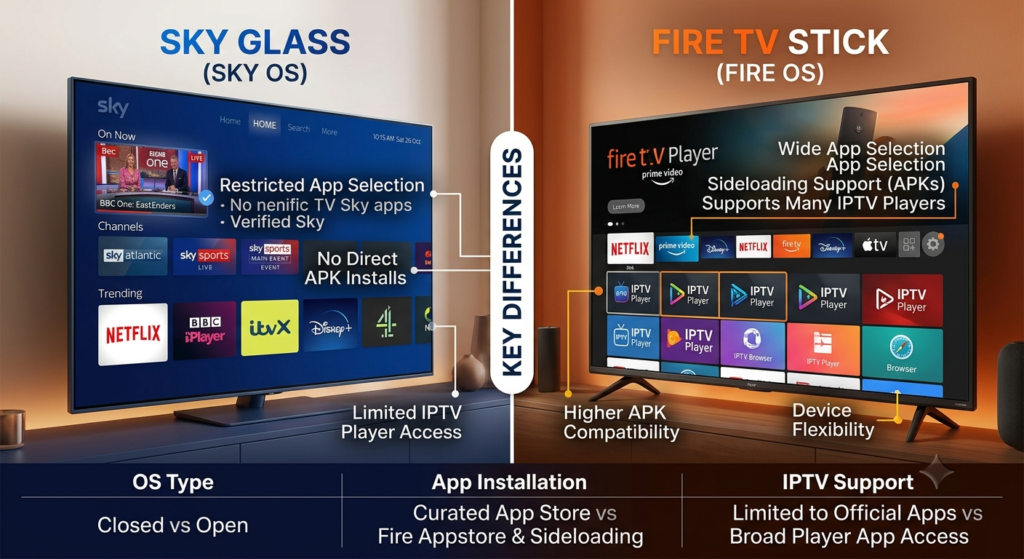
Sky Glass IPTV vs Fire Stick IPTV
Both devices stream over the internet, but they suit different users.
Sky Glass provides a managed setup with Sky built in. A Fire TV Stick connects to an existing television and offers a wider range of Fire OS apps. Amazon documents developer and sideloading tools, but those tools support app development and testing—not unauthorised access to copyrighted channels.
| Feature | Sky Glass | Fire TV Stick |
| Operating system | Sky OS | Fire OS |
| Sky service | Built in | No complete Glass interface |
| App choice | Controlled catalogue | Wider catalogue |
| APK support | No standard installation | Available on compatible models |
| Best for | Simple Sky setup | Flexible apps on an existing TV |
Choose Sky Glass IPTV when you want Sky channels and supported apps in one interface. Choose Fire TV when you already own a good screen and want legitimate Fire OS apps.
Pro Tip: Buy a Fire Stick for its legal app choice, not because someone promises every paid sports channel for a tiny fee.
What Is a Sky Glass IPTV Downloader Code?
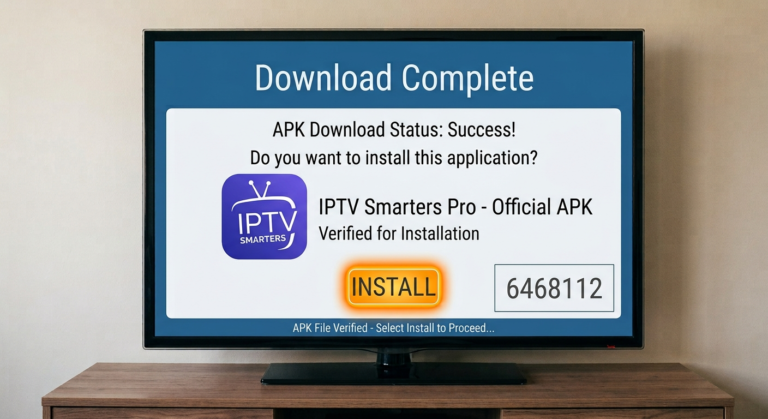
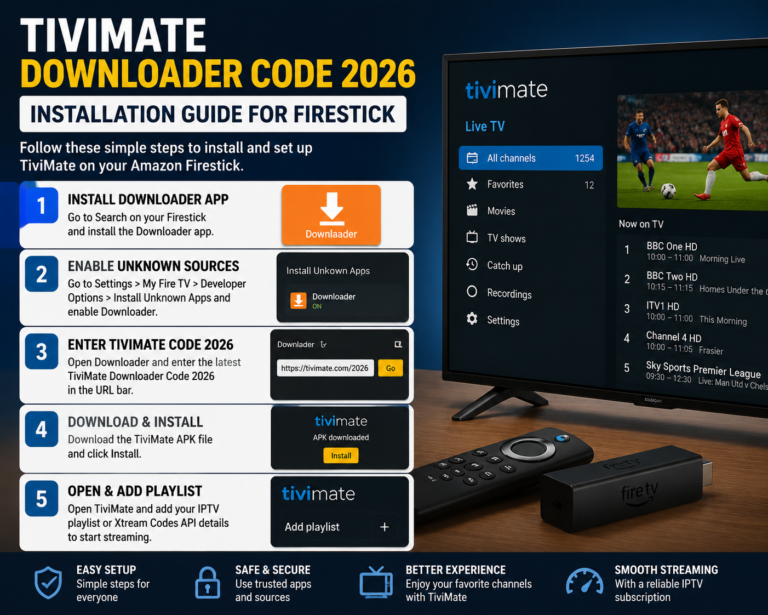
A sky glass iptv downloader code normally refers to a short code entered into the Downloader app on a Fire TV or Android device. It does not install anything on Sky Glass.
The code redirects users to a file or webpage. Since that destination can change, the code does not prove who owns the app or whether it is safe.
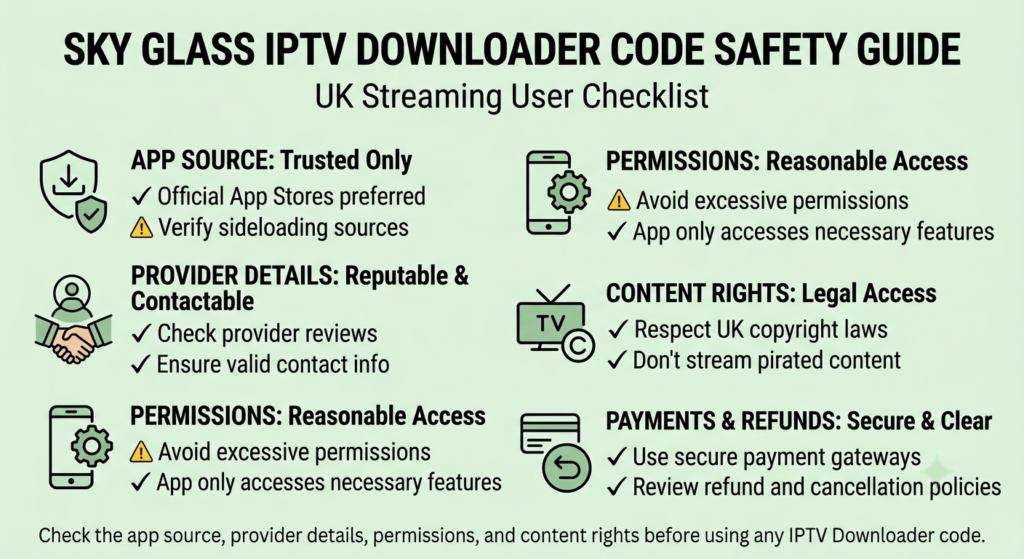
Check Before Installing
- Is the app available from a recognised store?
- Does the provider show a real business identity?
- Does it explain its rights to distribute content?
- Are its price and channel claims realistic?
- Does the app request unnecessary permissions?
- Are its cancellation and refund terms clear?
The UK Government says streaming devices are legal for legitimate content but become unlawful when adapted to access paid films, programmes or sports without the required subscription.
FACT also warns that illegal streams can expose users to malware, fraud and stolen personal data.
Expert Insight: When a seller cannot explain where the content comes from, a cheap plan may cost more through unstable streams, lost payments or exposed passwords.
How to Choose a Legal UK IPTV Setup
Start with the programmes you watch, not the app. List your sports, films, UK channels and international content. Then find an authorised service that carries them.
- Decide which content matters most.
- Check your broadband speed and Wi-Fi coverage.
- Choose Sky Glass, Sky Stream, Fire TV or another platform.
- Confirm every required app supports that device.
- Compare the cost, contract length and cancellation terms.
- Use unique passwords and parental controls.
Sky says an activated Glass television can still work without an active Sky TV subscription, although some services become restricted. Users can access supported apps and connect HDMI devices.
The phrase sky glass oregon does not match an official UK Sky product I could verify. It may refer to a reseller or mistyped search. Therefore, check the company name, ownership and support details before paying.
Pro Tip: Save the advert, refund promise and supported-device claim. Written evidence helps if the delivered service differs from the offer.
Conclusion
Sky Glass IPTV provides Sky channels and supported apps through broadband, but it is not an open Android IPTV box. No official Sky Glass IPTV APK exists, and Downloader codes work on other compatible devices rather than on Sky Glass itself.
Before buying Sky Glass IPTV or another streaming service, confirm the platform, app source, content rights and full cost. Explore the legal setup guides on IPTV Firestick and choose a reliable option that protects your viewing experience, account and personal data.
Frequently Asked Questions
Is Sky Glass IPTV Legal in the UK?
Yes. Sky Glass is a legitimate Sky service delivered through broadband. However, unrelated providers may use similar wording or branding. A third-party IPTV subscription is legal only when the provider has permission to distribute its channels, films and sports. Verify the company and content rights before subscribing.
Can I Install an IPTV App Directly on Sky Glass?
You can use apps officially supported by Sky, but you cannot install arbitrary Android APK files directly on Sky Glass. It runs Sky OS and uses a controlled app catalogue. An authorised third-party IPTV player normally requires a separate compatible Fire TV, Android TV or smart-TV device.
Does Sky Glass Need a Satellite Dish?
No. Sky Glass receives channels and app content through broadband, so it needs no satellite dish or separate Sky box. However, a stable connection remains important. Test your broadband speed and Wi-Fi signal near the planned television location before ordering.
Is There an Official Sky Glass App for Fire Stick?
There is no app that turns a Fire TV Stick into the complete Sky Glass interface. Sky offers separate tools, including Sky Go on supported devices and the Sky Remote app for mobile control. Check Sky’s current compatibility information instead of downloading files that merely use Sky branding.
Why Does an IPTV Service Buffer?
Buffering may come from weak Wi-Fi, low broadband speed, network congestion, overloaded servers or a poor app. Test another legal streaming app on the same device. Then restart the router, try an Ethernet connection and reduce video quality. If only one service fails, its servers may be the problem.
About the Author
Zeeshan Shafiq is a digital marketing professional with 14 years of experience in SEO and web content. He helps online businesses turn complex technology topics into clear, search-friendly guides.