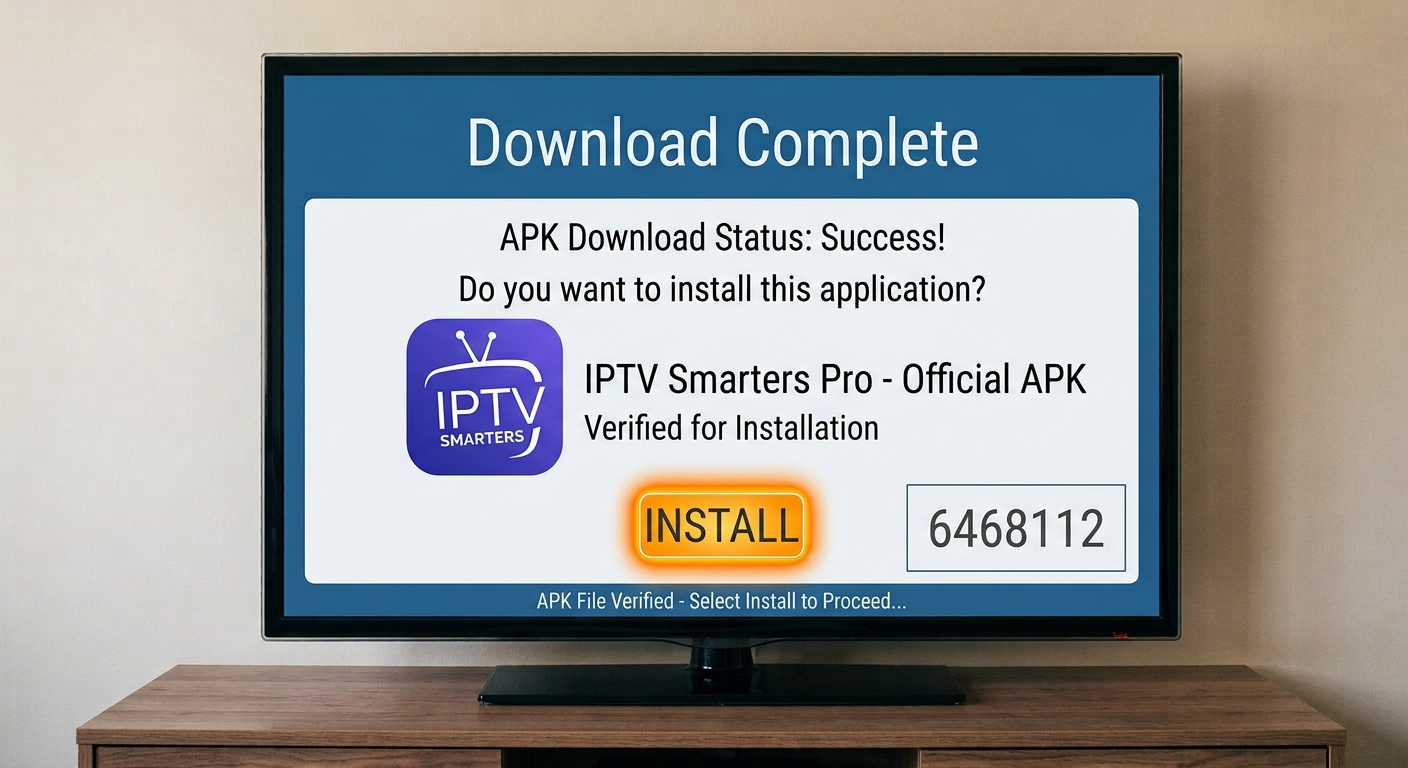
IPTV Smarters Downloader Code: Firestick Install Guide
You search for IPTV Smarters Pro on your Firestick, yet the exact app does not appear. That happens when availability differs by device, account region, or Fire OS version. An IPTV Smarters downloader code can speed up installation, but only when it sends you to a trusted APK. This guide explains how to install Downloader, enable the right Fire TV setting, verify the file, install Smarters IPTV, add a legal subscription, and solve common setup problems.
What Is an IPTV Smarters Downloader Code?
An IPTV Smarters downloader code is a short numeric shortcut used inside the Downloader app. Instead of typing a long web address with your remote, you enter a few digits. Downloader then opens the linked webpage or APK.
The code does not include channels, a subscription, or login details. Smarters Pro describes itself as a standalone media player that does not provide or sell content. Users must add their own legally acquired media or provider credentials.
| Method | Benefit | Risk |
| IPTV Smarters downloader code | Quick to enter | Destination may change |
| Direct HTTPS URL | Domain is visible | Takes longer to type |
| Amazon Appstore | Simple installation and automatic updates | App may be unavailable in some regions |
A short code is convenient, but it hides the destination until the page opens. Therefore, never assume every IPTV Smarters Pro downloader code shared in a video or comment is safe.
The IPTV Smarters downloader code is best treated as a typing shortcut, not as proof that a file is official or secure.
Expert Insight: I prefer a verified HTTPS address over a public short code. You can inspect the domain before downloading, which reduces the risk of installing a fake or modified app.
What Do You Need Before Installation?
Prepare these items first:
- A compatible Fire TV Stick or Fire TV Cube
- Stable internet access
- Free storage space
- The official Downloader app by AFTVnews.com
- A verified IPTV Smarters download code or official HTTPS URL
- Legal M3U or account details from your provider
Amazon’s Appstore listing confirms that Downloader can open URLs or short codes and download files to Fire TV devices.
Check Available Storage
Open Settings > My Fire TV > About > Storage. Remove unused apps if storage is nearly full. Low space can cause failed downloads and “App Not Installed” errors.
For example, a London user may think the IPTV Smarters downloader code is broken because installation stops near the end. In reality, deleting two unused apps and an old APK may solve the problem immediately.
Pro Tip: Delete the APK from Downloader after installation. The installed player remains on your Firestick, while the temporary file stops using storage.
How to Install IPTV Smarters Pro on Firestick
Menu wording may vary slightly by Fire TV model, but the process remains similar.
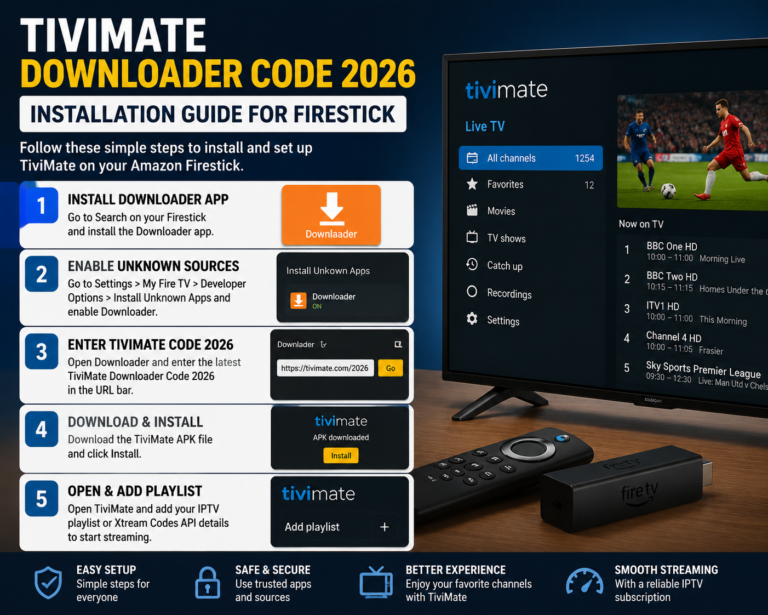
1. Install Downloader
From the home screen, select Find, search for Downloader, and choose the orange app published by AFTVnews.com. Select Get, open it, and allow file access if requested. Amazon confirms that Fire TV apps can be installed through Find and the Get button.
Check the publisher carefully because similarly named apps may appear.
2. Reveal Developer Options
Go to Settings > My Fire TV > About. Highlight your device name, then press the centre button seven times. Press Back, open Developer Options, and continue.
Amazon documents this seven-click method for software versions where the menu is hidden.
3. Allow Downloader to Install Apps
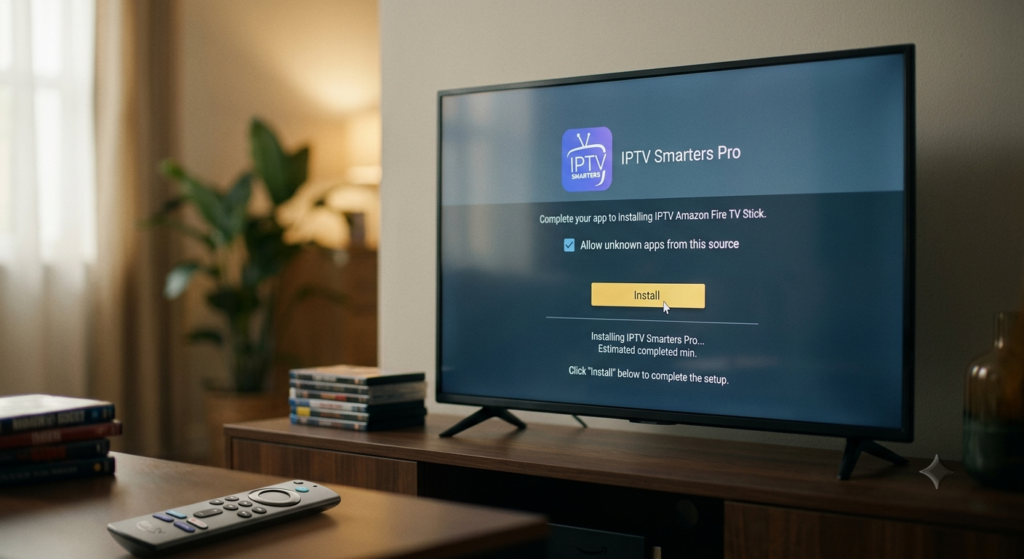
Open Developer Options, select Install Unknown Apps or Apps from Unknown Sources, and enable Downloader only. Amazon’s developer guidance confirms that Fire TV requires this permission for sideloading.
Do not grant this permission to every app. Restricting it to Downloader gives you better control.
4. Enter the Verified Code or URL
Open Downloader and enter your verified IPTV Smarters downloader code or the app publisher’s HTTPS address.
This guide does not publish an unverified permanent code because public codes can expire, change destination, or point to altered APKs. Before installing, confirm that:
- The page uses HTTPS
- The domain belongs to the expected publisher
- The file is an Android or Fire TV APK
- The page does not request banking details or unrelated permissions
- The file name looks consistent with the current app
The official Smarters Pro website tells Android users to obtain the app through its website or an official app store, then add their own playlist details.
5. Install and Remove the APK
Select Install when the download finishes. Choose Done, return to Downloader, and delete the APK. Then open Your Apps & Channels and launch Smarters IPTV.
Pro Tip: If the Install button seems unresponsive, press Down once and then Select. Display scaling sometimes places the active button near the bottom edge.
How to Set Up Smarters IPTV
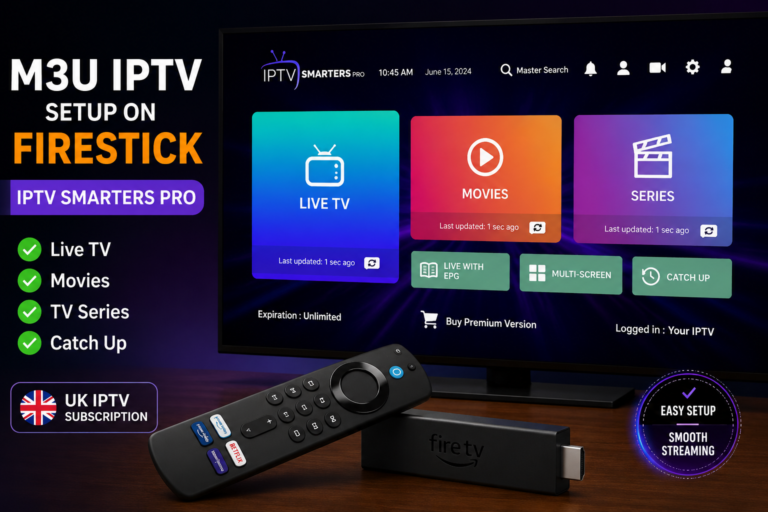
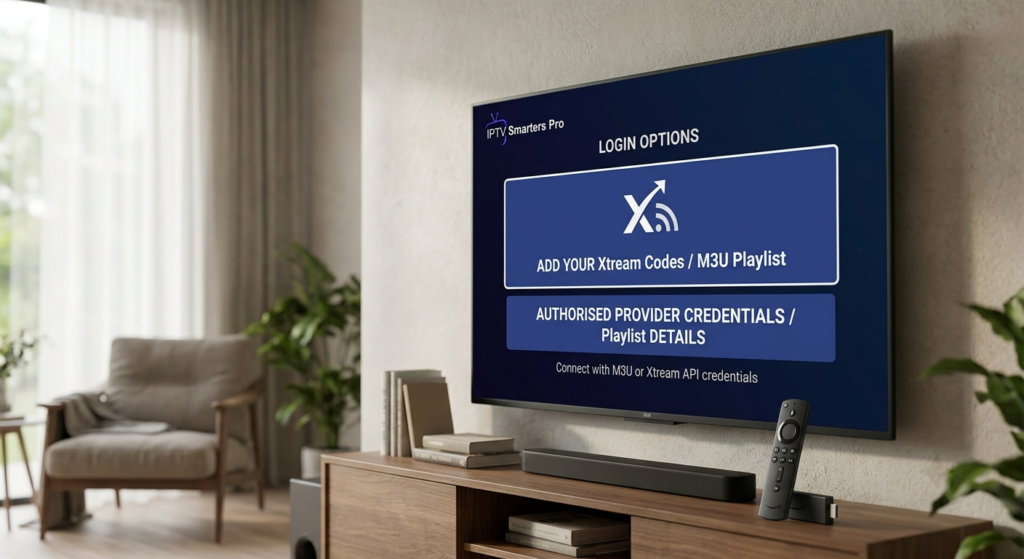
Installation gives you a player, not a TV package. Open the app and choose the login method supplied by your lawful content provider.
Xtream Codes API
Enter a profile name, username, password, and server URL. This method often organises live channels, films, series, and electronic programme guide data automatically.
M3U Playlist
Paste the M3U URL supplied by your provider. You may also need a separate EPG address for programme listings.
Never publish your username, password, M3U address, or server URL. Another person could use those details and disrupt your account.
After the first sync, add favourites, set a parental-control PIN, adjust subtitles, choose a preferred player, and correct the EPG time offset if listings appear early or late.
The IPTV Smarters downloader code only handles installation. It does not add channels, improve server speed, or repair an expired subscription.
Expert Insight: Buffering usually comes from Wi-Fi conditions, a busy provider server, or a high-bitrate stream. Test another legal stream before blaming the player.
Are IPTV Smarters Firestick Free Codes Safe?
The phrase IPTV Smarters Firestick free codes can mean a free Downloader shortcut or an account promising premium channels at no cost. The first may be harmless; the second may involve unauthorised content, stolen credentials, malware, or an unreliable service.
UK government guidance defines illicit streaming as watching content without the copyright owner’s permission. It also warns about modified streaming sticks used for unauthorised access.
Avoid an IPTV Smarters Pro downloader code when the source:
- Promises every premium UK channel permanently for free
- Redirects through several advertising pages
- Downloads an unexpected file type
- Requests unrelated permissions
- Hides its business identity and support details
Internet-delivered TV is not automatically illegal. The question is whether the service has permission to distribute the content. A June 2026 UK government paper reported that 97.3% of residential households had access to superfast broadband, showing why IP-delivered viewing keeps expanding.
Pro Tip: Keep provider invoices and account emails. A legitimate service should identify the business, explain what it sells, and provide clear support.
How to Fix Common Firestick Problems
The Code Does Not Work
The IPTV Smarters downloader code may have expired or been typed incorrectly. Try again, then use the verified full HTTPS address instead of searching for random replacement codes.
“App Not Installed” Appears
Free some storage, delete the damaged APK, restart the Firestick, and download the correct Android TV or Fire TV build. Remove an older conflicting version when necessary.
The App Shows No Channels
Recheck the username, password, server URL, and subscription status. The IPTV Smarters downloader code installs the player; it does not activate content.
The App Freezes
Restart Fire TV. Next, go to Settings > Applications > Manage Installed Applications > Smarters IPTV and select Clear Cache. Amazon recommends clearing cache or data and restarting when a Fire TV app will not load correctly.
Use Clear Data only later because it usually removes saved logins.
Streams Keep Buffering
Restart the router and Firestick, move closer to Wi-Fi, test Ethernet, or try a lower-quality stream. Also confirm whether your subscription allows multiple simultaneous connections.
Expert Insight: Change one setting at a time. If you alter the VPN, decoder, Wi-Fi band, player, and login together, you will not know what fixed the issue.
Related guides: Choosing an IPTV subscription in the UK | M3U IPTV setup guide | Full Firestick installation guide
Related guide: Full IPTV Smarters Pro install walkthrough
Conclusion
A safe IPTV Smarters downloader code setup uses the genuine Downloader app, a verified HTTPS destination, limited sideloading permission, and legal provider credentials. Check storage, delete the APK after installation, protect your login details, and test the network before reinstalling the player. Explore IPTV Firestick’s setup guides and choose a transparent, authorised IPTV subscription for reliable support and a smoother viewing experience.
IPTV Smarters Downloader Code FAQs
What is the IPTV Smarters downloader code for Firestick?
An IPTV Smarters downloader code is a numeric shortcut entered in Downloader. It opens a linked webpage or APK. It does not contain channels or a subscription. Use a code only when a trusted publisher confirms it, and inspect the destination before installing the file.
Is there an official IPTV Smarters Pro downloader code?
Do not assume one permanent code exists. Downloader codes can expire, change, or be reassigned. The safer option is to check the publisher’s current download page and use its HTTPS address. Avoid an IPTV Smarters Pro downloader code copied from an old video or anonymous comment.
Is IPTV Smarters Pro free on Firestick?
A free player version may be available, although features and availability can differ by platform. The player does not include a TV subscription. You still need your own legal media, M3U playlist, or authorised provider credentials.
Why is IPTV Smarters Pro missing from the Appstore?
Availability may differ by region, device, publisher status, and Amazon Appstore decisions. Search the store first. When the exact app is unavailable, Fire TV supports sideloading after you enable the relevant setting and grant installation permission to a trusted installer.
Can I use an IPTV download code without a subscription?
You can use an IPTV download code to install a media player, but installation alone does not unlock content. Smarters IPTV still needs your legal playlist, local media, or authorised provider login. Treat anonymous “free premium channel” offers with caution.
About the Author
IPTV Firestick Editorial Team is a streaming-technology content team with more than 10 years of combined experience in Fire TV setup, media players, and IPTV troubleshooting. The team helps UK viewers install apps safely and solve playback issues.