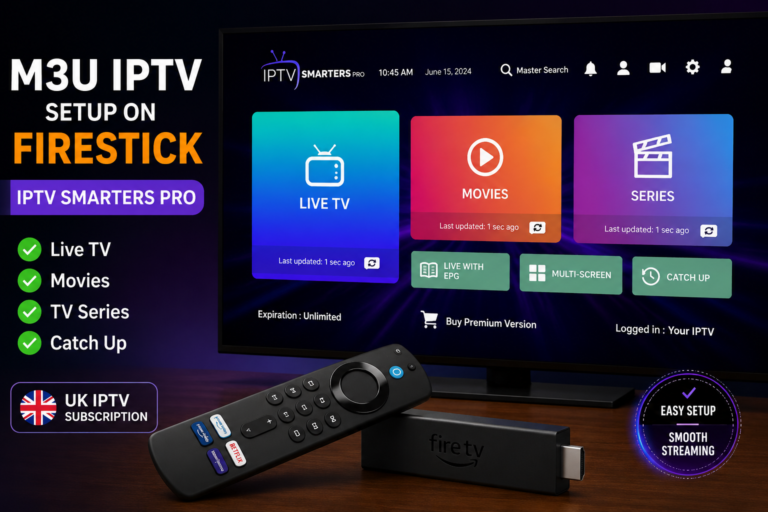
XCIPTV Downloader Code 2026: How to Install on Firestick
Need the XCIPTV downloader code for Firestick? Here’s how to install XCIPTV in a couple of minutes using the Downloader app, plus where to find the current code.
XCIPTV is a clean, straightforward IPTV player for Firestick that supports M3U and Xtream Codes playlists, EPG, and catch-up TV. Like most third-party IPTV apps, it isn’t available on the Amazon Appstore, so it’s installed by sideloading through the Downloader app using a short numeric code.
What Does the XCIPTV Downloader Code Do?
The code is a shortcut, not a special key or unlock. Typing it into Downloader takes you straight to the XCIPTV installer file instead of you having to type a full web address on your remote. It points to the same file either way — the code just saves time.
Current XCIPTV Downloader Code
The Downloader Code for XCIPTV is 6540107.
Downloader codes are reassigned periodically. If this number ever stops resolving, check XCIPTV’s official site for the current code, or paste XCIPTV’s official download URL directly into Downloader instead, which never expires.
How to Install XCIPTV on Firestick
- Turn on Apps from Unknown Sources: Settings > My Fire TV > Developer Options.
- Open the Downloader app (install it free from the Amazon Appstore if needed).
- Enter the current XCIPTV code or URL in Downloader’s address bar and select Go.
- Install the APK when Downloader finishes fetching it.
- Open XCIPTV and add your playlist using your M3U or Xtream Codes login details.
Troubleshooting
- Code won’t resolve: It’s expired — recheck the official source rather than guessing at similar numbers.
- Install button greyed out: Double-check Apps from Unknown Sources is enabled for Downloader specifically.
- App installs but no channels appear: Installation worked — you still need to load a valid playlist or subscription separately.
Frequently Asked Questions
Is the XCIPTV downloader code permanent?
No, it can change. Always confirm against the official source rather than relying on an old code.
Do I have to use a code to install XCIPTV?
No — you can type the full install URL into Downloader instead and get the same result.
Does XCIPTV come with channels built in?
No. XCIPTV is just the player. You need your own IPTV subscription or M3U playlist to watch anything.
Related guides: TiviMate downloader code | All Firestick downloader codes
Also see: Sky Glass IPTV downloader code
Conclusion
The XCIPTV downloader code is a shortcut for a two-minute sideload — nothing more. Confirm the current code against XCIPTV’s official site, run through the Downloader steps above, and you’ll be ready to add your playlist.
About the Author
James Whitfield is a home entertainment technology specialist with over 9 years of experience in IPTV systems, streaming devices, and UK digital media. He has helped thousands of UK households cut the cord from traditional cable and build smarter, more affordable streaming setups using devices like Amazon Firestick.