B1g IPTV Explained: The Player, the Code, and Choosing a UK Service (2026)
Published · Updated
B1g IPTV can refer to two different things, depending on what the user is searching for. Some people are looking for B1G Player, the media-player application installed on a Firestick, while others are trying to find a UK IPTV service that can be used with the app.
This guide explains both and, more importantly, clarifies why understanding the difference matters.
In simple terms, B1G Player is an IPTV player app. It is free to install and does not include television channels or premium content of its own. The content you watch comes from a separate IPTV subscription, and the quality of that service ultimately determines whether streams remain stable during busy periods such as Saturday afternoon football.
What B1G Player Actually Is
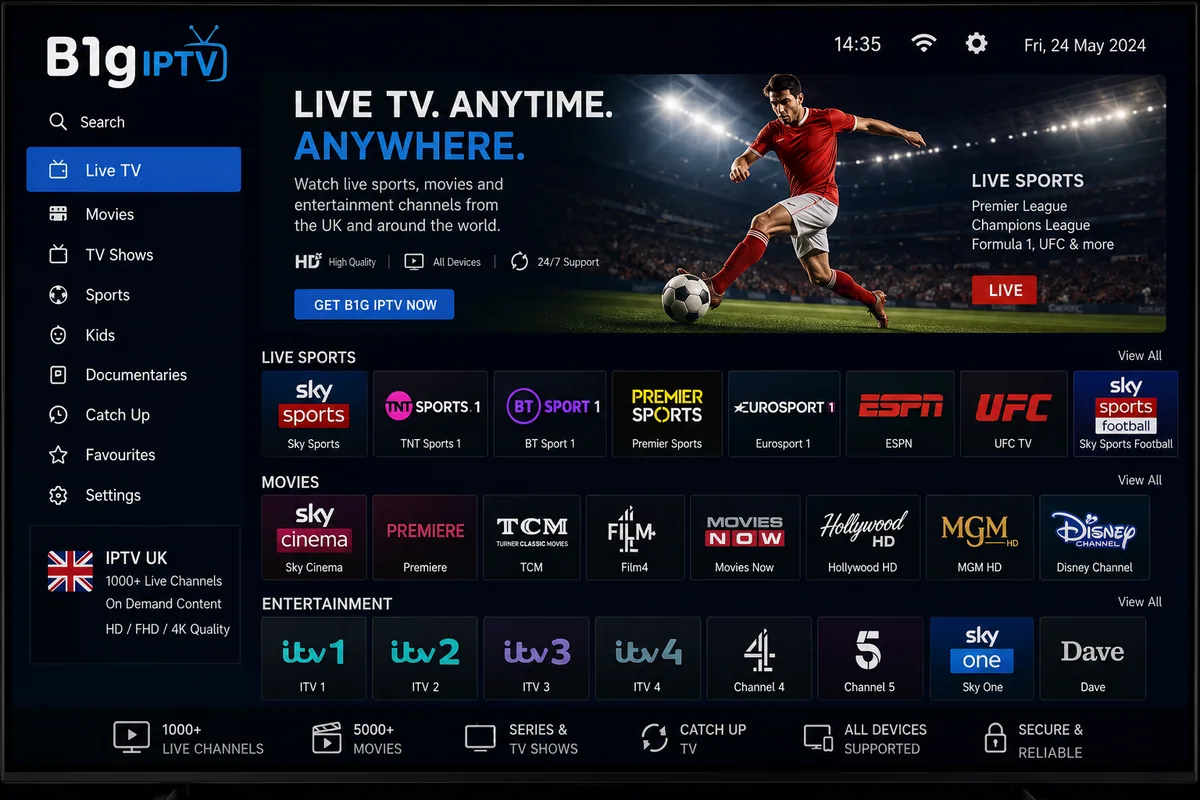
B1G Player is an IPTV player application designed for Android-based devices, including the Amazon Fire TV Stick. Similar to IPTV Smarters Pro, TiviMate, and XCIPTV, it takes playlist or login details supplied by your provider and presents them through an organised interface.
Once configured, the app can display live channels, programme information, films, series, and other content made available through the connected service.
B1G Player is relatively straightforward compared with more advanced alternatives. It offers fewer customisation options than apps such as TiviMate or OTT Navigator, which may appeal to users who prefer a simpler setup without spending significant time adjusting menus and interface settings.
What B1G Player Does
B1G Player can:
- Load M3U playlists and Xtream Codes login details
- Display an electronic programme guide when one is provided by the source
- Organise live television, films, and series into categories
- Play streams through its built-in video player
- Send playback to a compatible external player when supported
Installing B1G Player on a Firestick
B1G Player is not always available directly through the Amazon Appstore, so it may need to be installed using the Downloader app. The Downloader code commonly used for B1G Player is 5637737.
- Open Settings → My Fire TV → Developer Options and enable Install Unknown Apps for Downloader. If Developer Options does not appear, go to Settings → My Fire TV → About and press the select button on your Fire TV device name seven times.
- Install Downloader from the Amazon Appstore if it is not already installed on your Firestick.
- Open Downloader, enter 5637737 in the URL or code field, and select Go.
- Once the file has downloaded, choose Install. After installation, delete the APK file to free up storage space on the Firestick.
- Open B1G Player and enter the M3U URL or Xtream Codes login details supplied by your authorised content provider.
Only install applications from sources you trust. Before entering account details, confirm that the downloaded app is the legitimate version and review any permissions it requests.
Our full IPTV Firestick installation guide explains the complete setup process in greater detail, while the Downloader codes page provides installation codes for other supported IPTV players.
There is one important consideration for 2026. The Fire TV Stick 4K Select uses Vega OS rather than Fire OS, which means it does not support standard Android applications or traditional APK sideloading. By comparison, the Fire TV Stick 4K and Fire TV Stick 4K Max continue to use Fire OS and remain compatible with supported Android-based apps.
Choosing the Service to Pair With It
This is where the decision actually lies. The app is free and swappable in two minutes; the subscription is what you live with. Judge any UK provider on these:
- Peak-hour stability. Everything works at 11am on a Tuesday. The test is 8pm on a Saturday with a full fixture list.
- A correct British programme guide. Full listings in GMT or BST, with your own BBC and ITV region rather than a generic national feed.
- UK-based or UK-peered servers. A shorter path to your ISP means fewer places a stream can break.
- Genuine 4K. Relabelling a 1080p feed as 4K is common. Real 4K needs about 25 Mbps of headroom and looks obviously sharper on a large screen.
- Standard delivery. M3U or Xtream Codes details that work in any player, so you are never locked to one app.
- A trial before payment. Every point above is checkable in a day or two of ordinary viewing.
Our IPTV subscription guide goes through pricing and what a plan should include, and our own UK IPTV plans start at £15 for a single month.
B1G Player Compared With the Alternatives
| Player | Downloader code | Suits |
|---|---|---|
| B1G Player | 5637737 | A simple, no-frills setup |
| IPTV Smarters Pro | 6468112 | First-time users |
| TiviMate | 272483 | A traditional TV guide layout |
| XCIPTV | 730116 | On-demand libraries |
Because these players support standard M3U playlists and Xtream Codes logins, you can install and compare two or three without changing your IPTV subscription. The main trade-off is simply the extra storage they use on your Firestick.
For a detailed comparison of features, usability, and compatibility, see our best IPTV app for Firestick guide.
Common Setup Problems
- “App not installed.” This is often caused by insufficient storage. Remove unused applications, clear unnecessary files, and try the installation again.
- Login fails. Re-enter your username, password, and server details carefully. Even an extra space can prevent the login from working. You should also confirm that the subscription is still active.
- Channels load but the programme guide is blank. EPG data may take a few minutes to appear after the first login. If it remains empty, the provider may not be supplying programme-guide information for that playlist.
- Buffering only happens in the evening. This can be caused by peak-time congestion on your home network, ISP routing, or overloaded provider servers. Test a wired Ethernet connection first to rule out weak Wi-Fi or local network instability.
For additional troubleshooting steps, visit our IPTV troubleshooting page..
Is B1G Player Legal in the UK?
Using B1G Player, or another IPTV media player, is generally legal in the UK. These applications are simply tools for playing media, and installing one on a device you own does not by itself make the service unlawful.
The legal issue depends on the source of the content. Services that are properly licensed to distribute their channels, films, or sporting events can be used lawfully, while providers that retransmit premium content without the necessary rights may be operating illegally.
Before subscribing, check what content the provider offers, whether it is authorised to distribute it, and what terms apply to the service. You can also review our DMCA policy for more information about our position on copyright and content rights.
Frequently Asked Questions About B1g IPTV
What Is B1g IPTV?
B1g IPTV most commonly refers to B1G Player, a free IPTV player application designed for Android-based devices and Amazon Fire TV Sticks. The app itself does not include television channels or other content.
Instead, you connect it to a separate IPTV subscription using supported login details, and B1G Player displays the content supplied by that service.
What Is the B1G Player Downloader Code?
The B1G Player Downloader code is 5637737.
Open the Downloader app, enter the code in the URL or code field, and select Go. Before installing the app, make sure Downloader has permission to install applications from outside the Amazon Appstore.
Can I Use B1G Player on a Firestick?
Yes. B1G Player can be used on compatible Fire TV Stick models that run Fire OS, including the Fire TV Stick Lite, HD, 4K, and 4K Max.
It is not compatible with the Fire TV Stick 4K Select, which uses Vega OS and does not support standard Android applications in the same way as Fire OS devices.
Does B1G Player Come With Channels?
No. B1G Player is a media-player application and does not provide channels, films, sporting events, or other premium content on its own.
You need to add an authorised M3U playlist or Xtream Codes login from a separate service. The app then displays whatever content that source provides.
How Much Internet Speed Do I Need?
As a practical guideline, allow around 10 Mbps of available bandwidth for Full HD streaming and approximately 25 Mbps for 4K content.
However, connection stability is often more important than headline broadband speed. A wired Ethernet connection or a strong 5 GHz Wi-Fi signal can provide a better streaming experience than a faster connection that frequently drops or fluctuates.
Where Can I Buy an IPTV Subscription in the UK?
IPTV Firestick 4K offers UK IPTV subscription plans ranging from £15 for one month to £60 for twelve months plus one additional month.
Whichever provider you choose, begin with a trial or short-term plan where possible. Test the service during busy evening viewing periods and evaluate stream stability, picture quality, programme-guide accuracy, and customer support before committing to a longer subscription.
In Short
B1G Player is a straightforward IPTV media player that can be installed using Downloader code 5637737. The app itself does not provide content, so the quality of your viewing experience depends largely on the service connected to it.
When choosing a subscription, focus on peak-time reliability, an accurate UK programme guide, strong UK connectivity, compatible login formats, and the availability of a trial or short-term plan. If the underlying service performs well, the choice of player becomes much less important.
Related guides: Best IPTV apps compared | Installing IPTV on Firestick | Downloader codes | Choosing an IPTV subscription | IPTV troubleshooting
About the Author
This guide is published by the IPTV Firestick 4K Editorial Team. We create practical guides covering Amazon Fire TV devices, streaming applications, IPTV players, and media setup.
Our content is reviewed and updated when Fire OS menus, app availability, device compatibility, or platform features change.
IPTV Firestick 4K also offers IPTV subscription services alongside its editorial guides. We do not own or control the individual television channels made available through third-party content sources. Readers can learn more about our editorial approach, testing process, and business information on our About page.